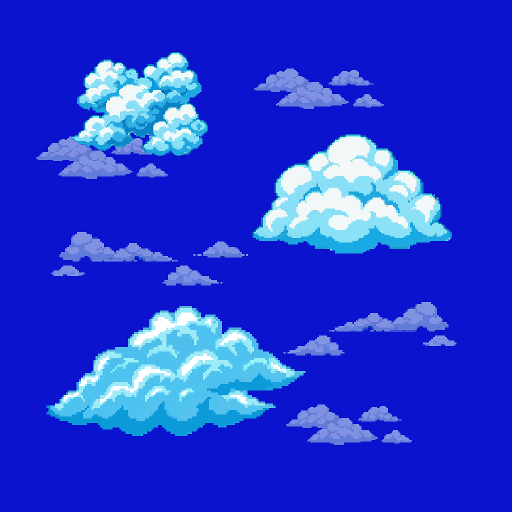
Customizable skybox constructor with automated scrolling for Sphere, Cylinder, and Cube projections
Description
A customizable skybox shader with built-in scrolling support
Supports three projection modes: Sphere, Cube, and Cylinder
Lets you animate the sky by setting per-face scroll speed and tiling
Cube mode includes an optional Advanced 6-Sided variant where each face gets its own texture, scroll speed, and tiling independently
Good for stylized skies, alien environments, or anything that needs a custom static or animated background.
How to use:
• Find the 2D Skybox component in your scene. Assign your material to its Sky Material field.
• Open the material and set the Shader to sky_scrolling.
• Pick a mapping mode: • Sphere — single texture wrapped around the entire sky
• Cube — box-shaped projection, with optional Advanced 6-Sided mode (each face its own texture)
• Cylinder — cylindrical wrap with separate top/bottom caps
• Assign your textures to the available slots.
• Set scroll speed — float2 value per face, range -0.5 to 0.5. Zero = static.
• Set tiling — integer for sides (avoids seam artifacts), float2 for top/bottom caps.
Shader source code: https://gist.github.com/Igoryoka/ab8da845e14e24d560828dc143a70224
A customizable skybox shader with built-in scrolling support
Supports three projection modes: Sphere, Cube, and Cylinder
Lets you animate the sky by setting per-face scroll speed and tiling
Cube mode includes an optional Advanced 6-Sided variant where each face gets its own texture, scroll speed, and tiling independently
Good for stylized skies, alien environments, or anything that needs a custom static or animated background.
How to use:
• Find the 2D Skybox component in your scene. Assign your material to its Sky Material field.
• Open the material and set the Shader to sky_scrolling.
• Pick a mapping mode: • Sphere — single texture wrapped around the entire sky
• Cube — box-shaped projection, with optional Advanced 6-Sided mode (each face its own texture)
• Cylinder — cylindrical wrap with separate top/bottom caps
• Assign your textures to the available slots.
• Set scroll speed — float2 value per face, range -0.5 to 0.5. Zero = static.
• Set tiling — integer for sides (avoids seam artifacts), float2 for top/bottom caps.
Shader source code: https://gist.github.com/Igoryoka/ab8da845e14e24d560828dc143a70224
 psychofabrikats